39 tools we reviewed and kept
We look at new AI, design and video tools every week and keep only the ones worth recommending — with one line on what each does and why.
Items without “Used it” were picked from their docs and code · Updated 2026-10-30
AI coding 6
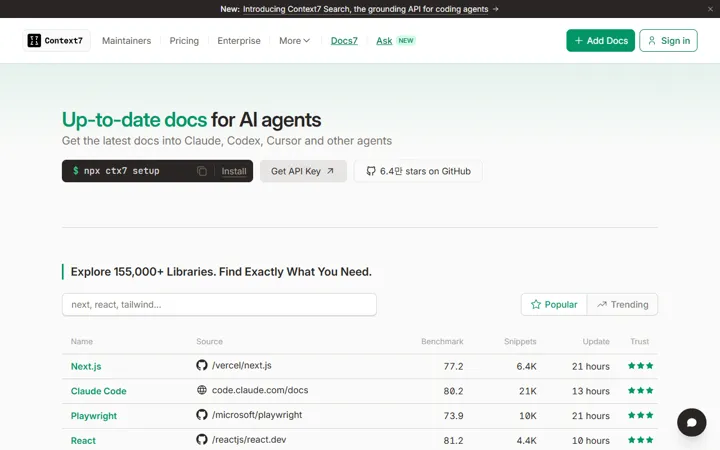 Context7 context7.com
Feeds your coding agent current library docs instead of stale training data.
How we used itAlways on when we ask library questions — fewer round-trips fixing code written against old APIs.
 Ponytail github.com/DietrichGebert/ponytail
Claude Code plugin that pushes the agent toward the shortest code that works.
How we used itThis page’s build script was written with it on: two languages plus click tracking in one file, zero dependencies.
 mattpocock/skills github.com/mattpocock/skills
40 engineering skills for coding agents: debugging loops, handoff notes, writing for agents.
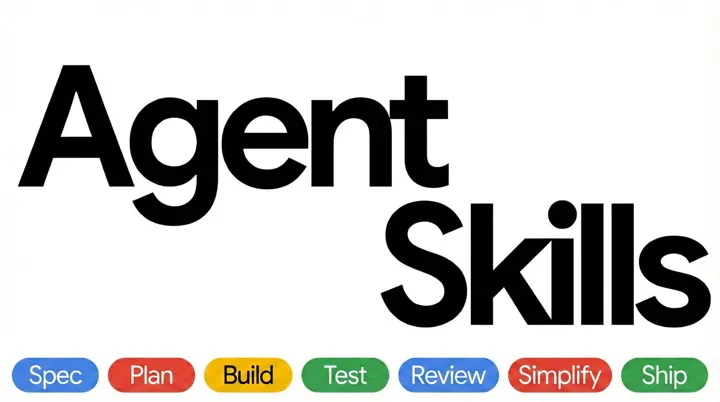 Agent Skills (Addy Osmani) github.com/addyosmani/agent-skills
Walks an agent through plan, build, test, review and ship.
How we used itWe use its planning, debugging and review skills daily — it stops the “done” claim before tests actually ran.
 awesome-claude-code github.com/hesreallyhim/awesome-claude-code
Curated directory of Claude Code skills, plugins, hooks and workflows.
 Claude Quickstarts github.com/anthropics/claude-quickstarts
Anthropic's official starter apps for building on the Claude API.
Design & UI 8
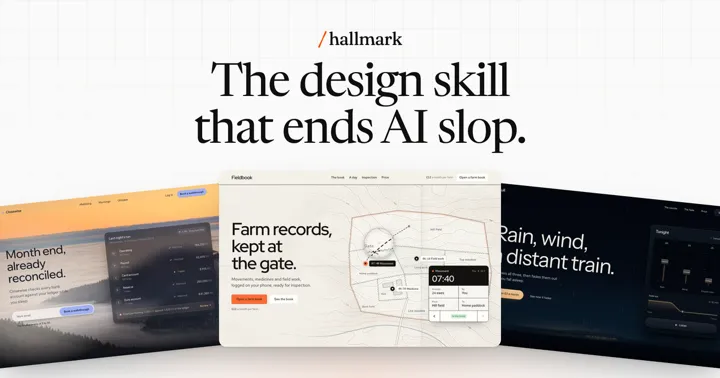 hallmark github.com/Nutlope/hallmark
Skill that finds 'AI-looking' design patterns on a page and lists fixes. We redesigned our own sites with it.
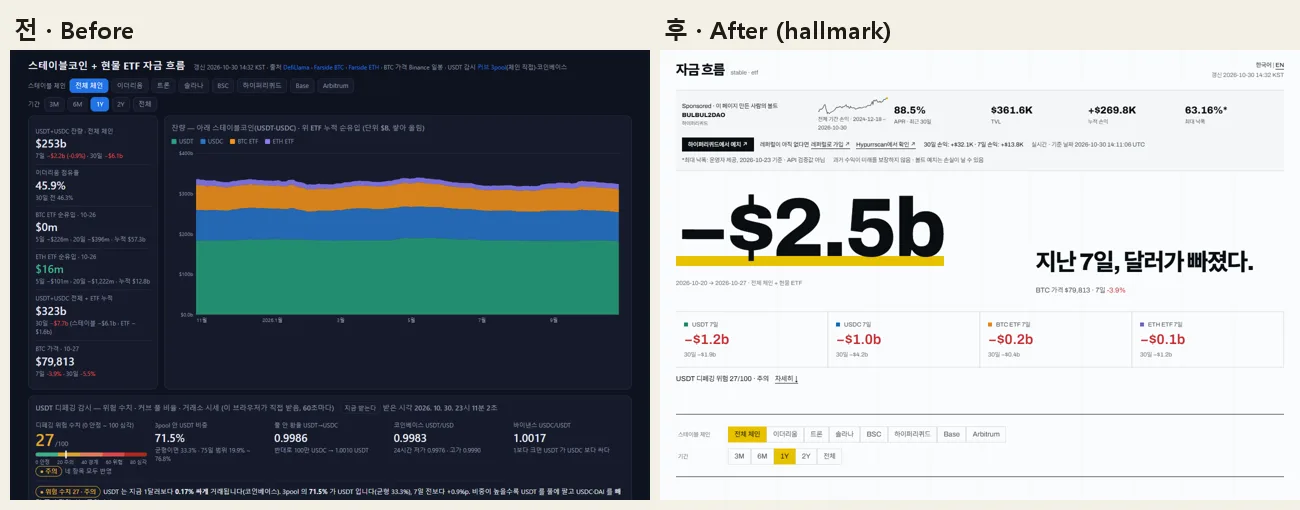
How we used itWe redesigned several of our public sites with it (hub, fund flows, hidden signals, Polymarket) — away from the default dark-navy AI look to pages where the key number reads first.
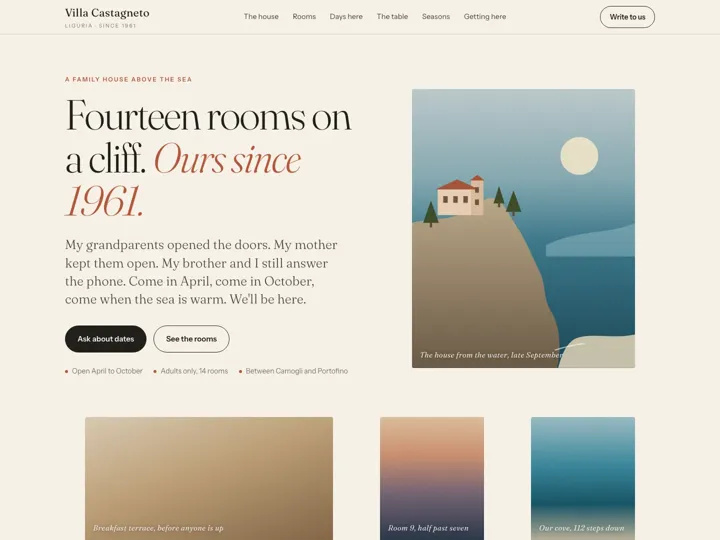 impeccable github.com/pbakaus/impeccable
One command flags ~60 AI-template front-end patterns with fixed rules, no LLM.
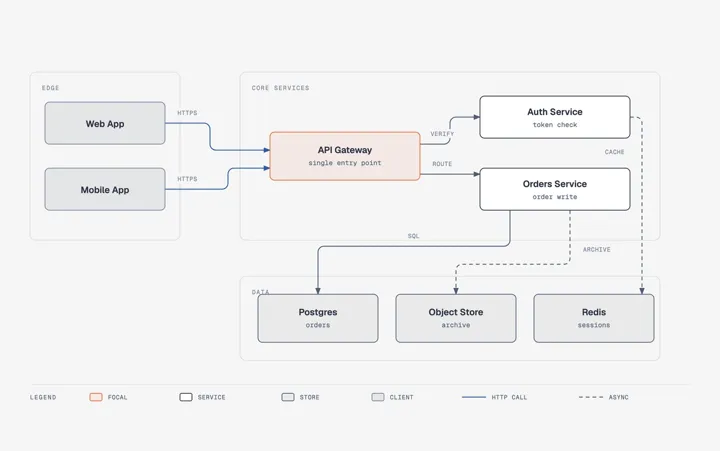 diagram-design github.com/cathrynlavery/diagram-design
Draws 45 diagram types as a single HTML + SVG file.
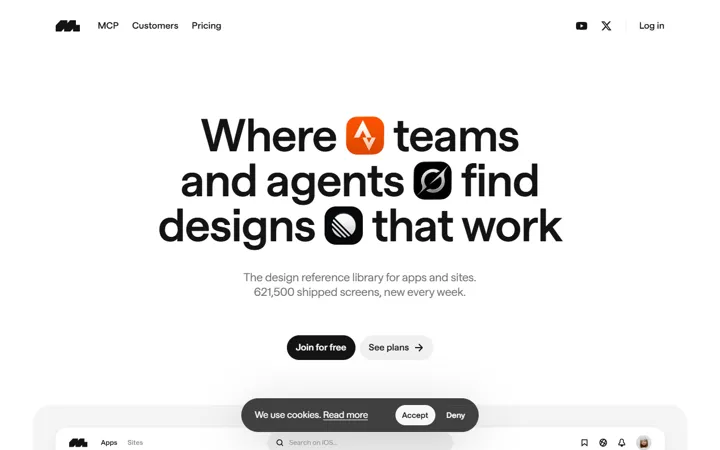 Mobbin mobbin.com
Library of real app screens to study before you design a flow.
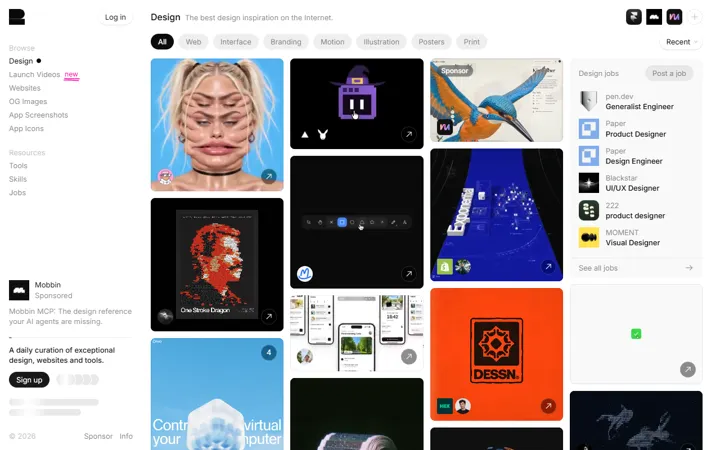 Godly godly.website
Gallery of standout websites for layout and style reference.
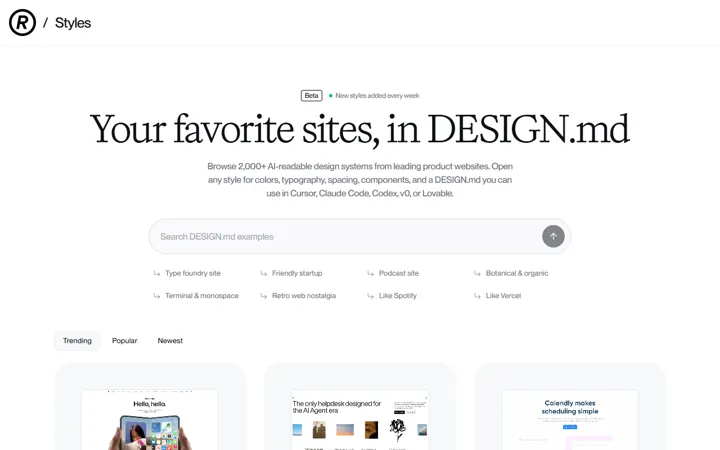 Refero Styles styles.refero.design
Browse design references grouped by visual style.
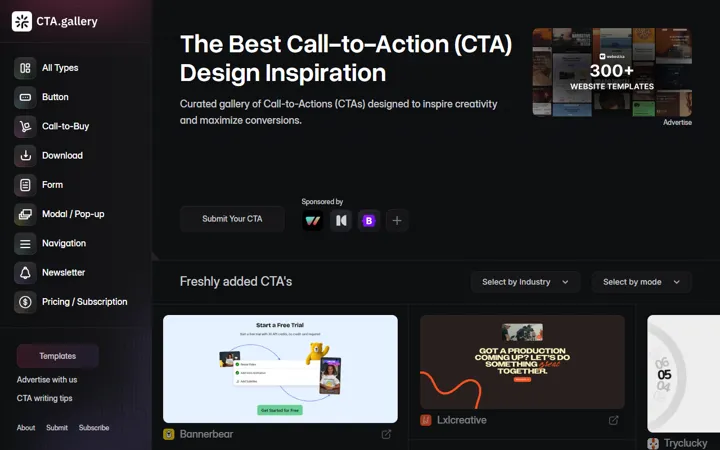 CTA Gallery cta.gallery
Collection of call-to-action sections from real sites.
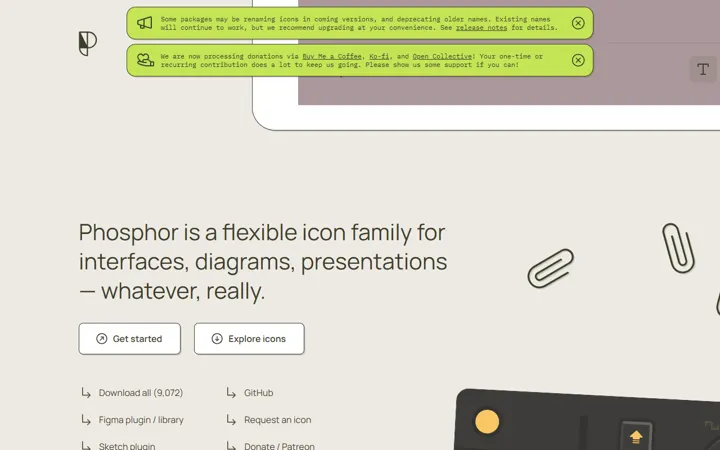 Phosphor Icons phosphoricons.com
Open-source icon family in six weights, usable as plain SVG.
Video & motion 7
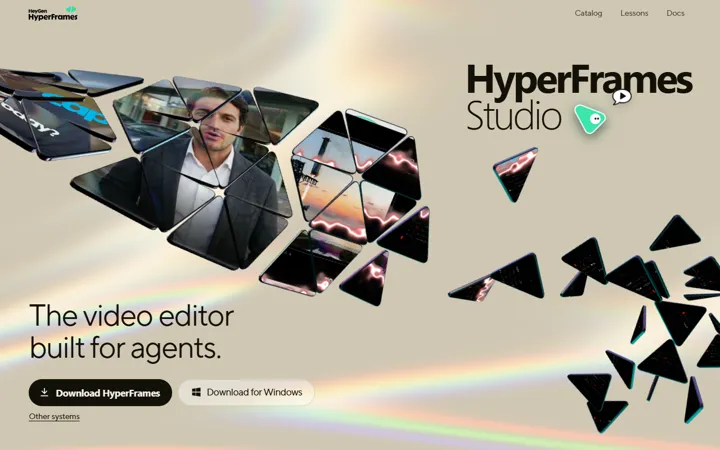 HyperFrames hyperframes.heygen.com
Write a video in HTML/CSS and render it to MP4 — same input, same output.
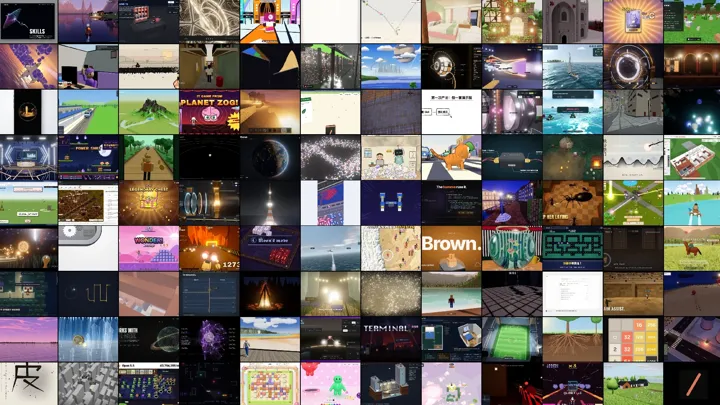 awesome-opus5-5-videos github.com/yihui-dev/awesome-opus5-5-videos
703 prompts behind viral videos drawn in code, each linked to its creator.
 ffmpeg-skill github.com/kajisho5/ffmpeg-skill
42 FFmpeg tools plus Reels/Shorts/X export presets for agents, with dry-run first.
 anything2explainer github.com/Vincentwei1021/anything2explainer
One topic in, a 2–8 min motion-graphics explainer out. Non-commercial license.
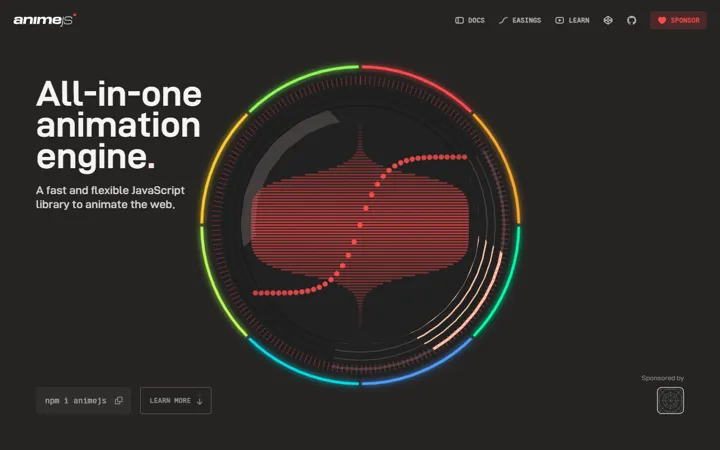 Anime.js animejs.com
Small JavaScript animation library with timelines and SVG line drawing.
 faster-whisper github.com/SYSTRAN/faster-whisper
Local speech-to-text for subtitles and transcripts — nothing leaves your PC.
How we used itTranscribed a 5-hour recording in ~36 min on a desktop CPU — no upload, zero cost. We also use it to read the audio in tweet videos.
 Openverse openverse.org
Search openly licensed sound effects and images, license shown on every file.
Research & data 6
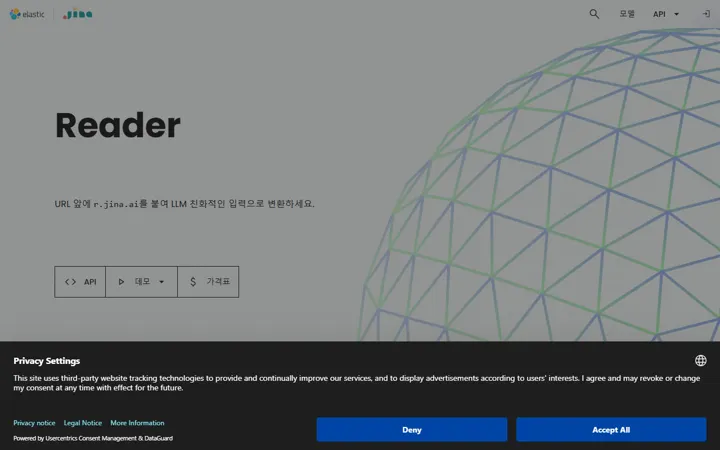 Jina Reader jina.ai/reader
Prefix any URL with r.jina.ai/ to get the page as clean markdown for an LLM.
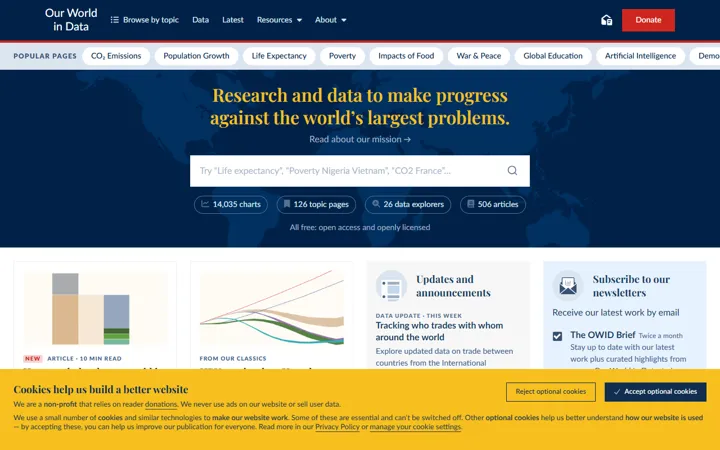 Our World in Data ourworldindata.org
Open charts and datasets on economics, health, energy and more.
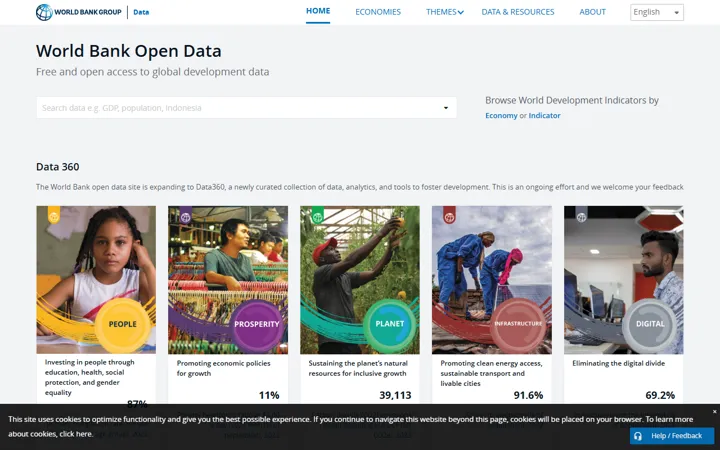 World Bank Open Data data.worldbank.org
Free country-level indicators for download or API use.
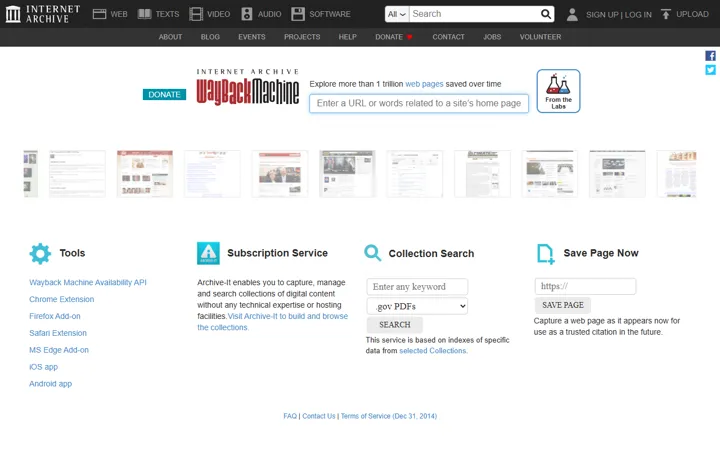 Wayback Machine web.archive.org
Snapshots of old web pages — check what a site said back then.
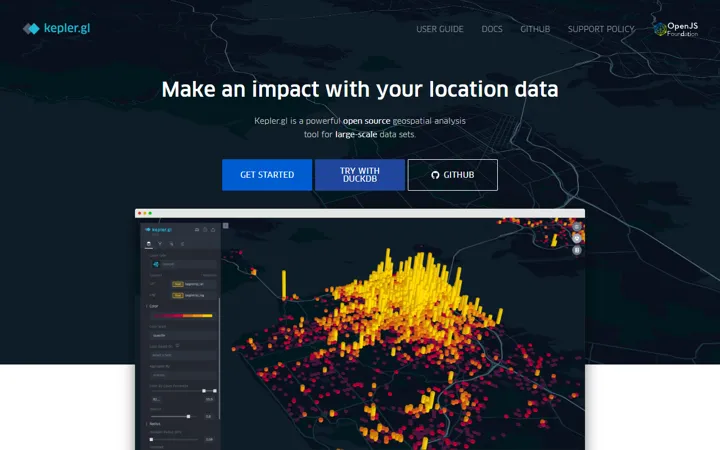 kepler.gl kepler.gl
Visualize large location datasets on a map in the browser.
 jesse github.com/jesse-ai/jesse
Crypto strategy backtesting with look-ahead protection. Use it for research first.
Learning 7
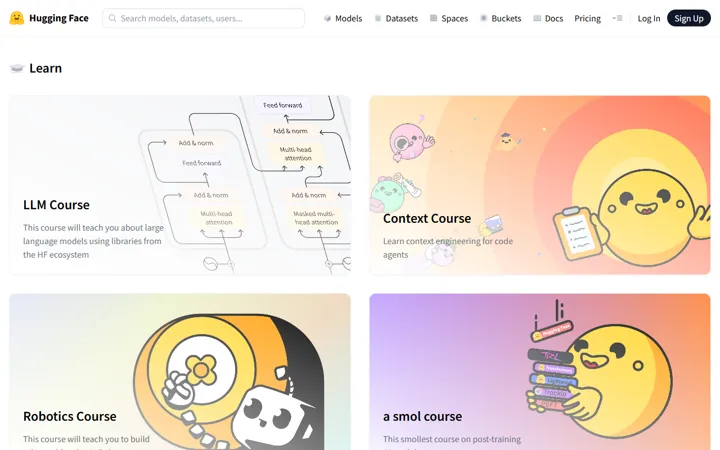 Hugging Face Learn huggingface.co/learn
Free hands-on courses on using open models.
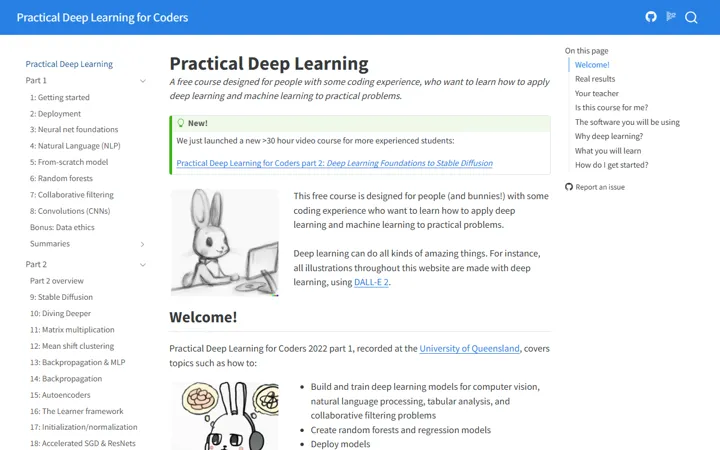 fast.ai course.fast.ai
Practical deep learning: code first, theory later.
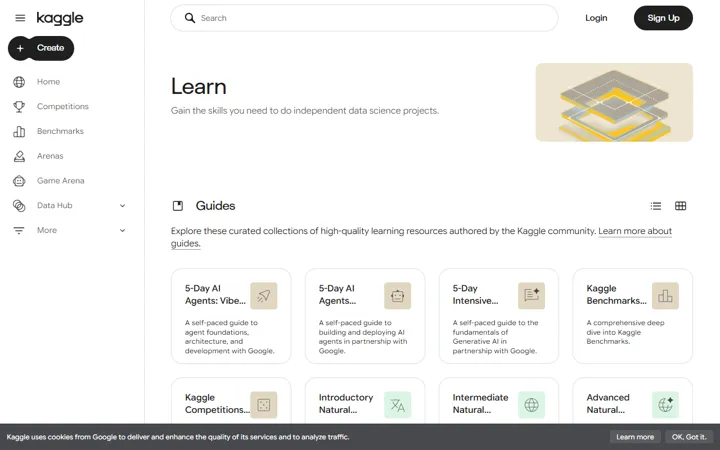 Kaggle Learn www.kaggle.com/learn
Python and ML in short courses, run in browser notebooks.
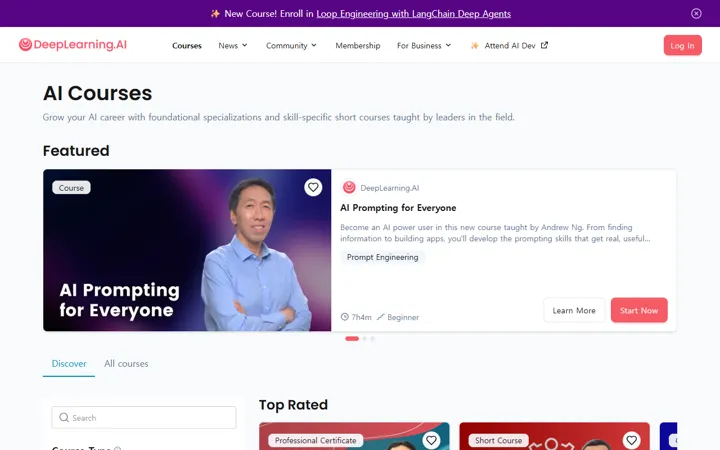 DeepLearning.AI 짧은 강좌 www.deeplearning.ai/short-courses
Andrew Ng's short courses on prompting, agents and RAG.
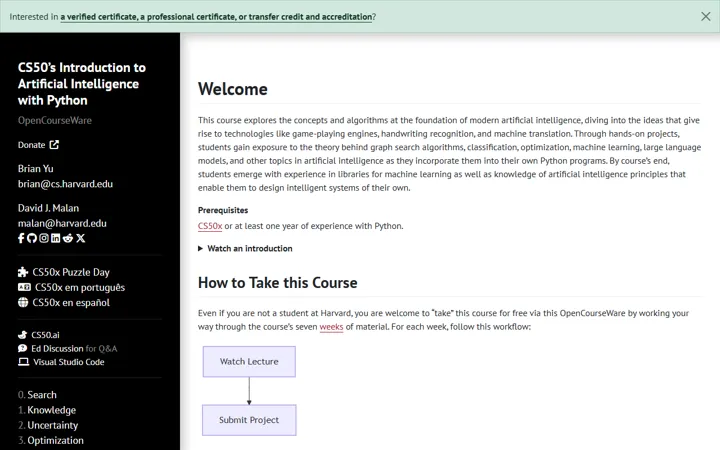 CS50 AI (하버드) cs50.harvard.edu/ai
Harvard's intro from search to neural nets, built on Python projects.
 Neural Networks: Zero to Hero github.com/karpathy/nn-zero-to-hero
Karpathy builds neural nets and a small GPT from scratch.
 AI Agents for Beginners github.com/microsoft/ai-agents-for-beginners
Microsoft's free lesson series on building AI agents.
Productivity 5
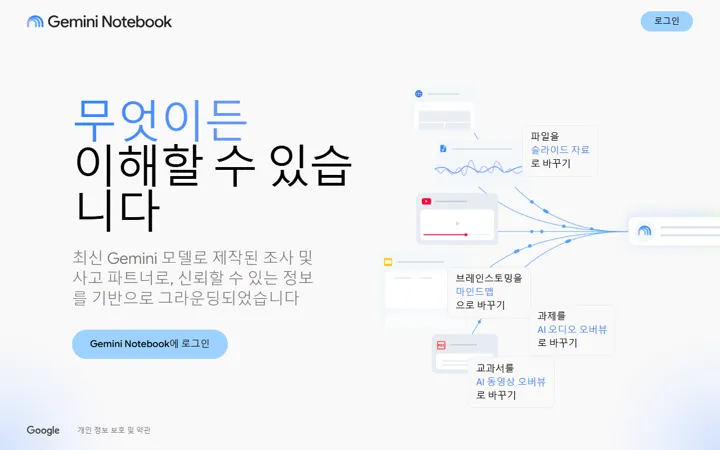 NotebookLM notebooklm.google.com
Summaries, Q&A and audio overviews grounded in your uploads. Uploads go to Google.
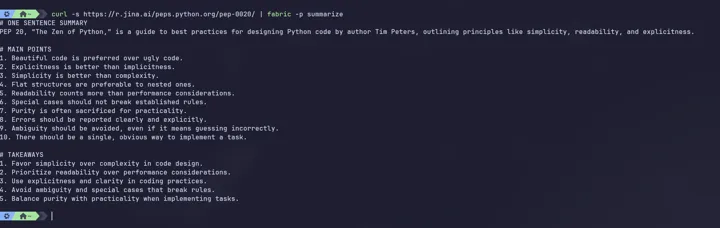 Fabric github.com/danielmiessler/Fabric
Save your best prompts as named patterns and pipe text through them.
 n8n github.com/n8n-io/n8n
Self-hostable visual workflow automation with 400+ integrations.
 Meetily github.com/Zackriya-Solutions/meetily
Records, transcribes and summarizes meetings on your own PC.
 Knowledge Work Plugins github.com/anthropics/knowledge-work-plugins
Anthropic's official Claude plugins grouped by job: sales, marketing, finance, legal…
Tips 7
Same agent mistake three times? Fix the environment: rules in CLAUDE.md, procedures as skills, hard rules as hooks, repeat bugs as tests.
Give the agent success criteria, not a to-do list: write the test or the 'done when' lines first.
Let code compute the numbers; the AI only interprets, with guesses tagged [estimate].
Swap vague words for criteria: 'improve' → 'clarity, flow, CTA'; 'summarize' → '3 lines'. Name the reader.
Before stepping away from a long Claude Code session, /compact or /clear — resuming after the cache expires re-reads everything.
Don't paste 'give this URL to your agent to install'. Read the files and install from a pinned commit.
In AI video prompts, use camera terms — tracking shot, tilt up, snap zoom, rack focus, whip pan.